NanoBeacon™ Config Tool
Configure your NanoBeacon™ devices in minutes — no programming required.
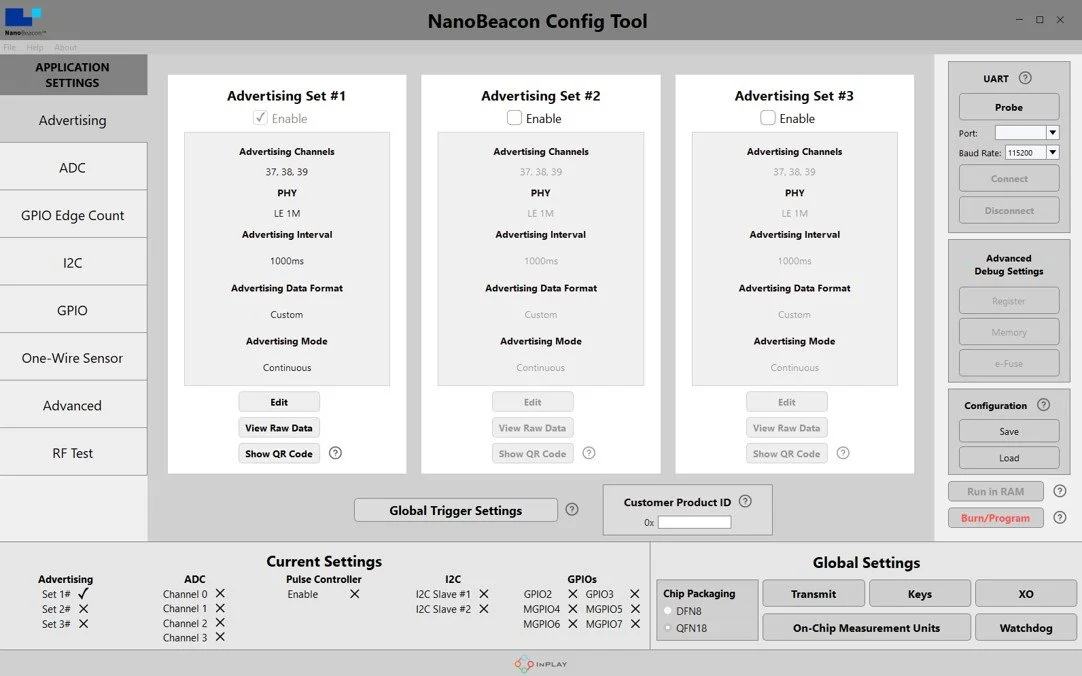
Innovative Programming-Free Design
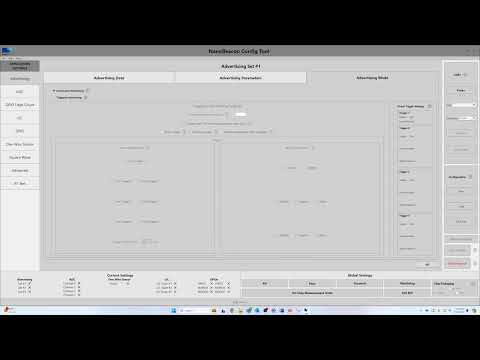
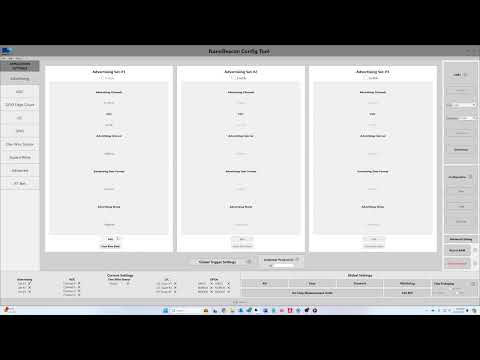
The NanoBeacon™ Config Tool desktop application provides a fast and intuitive way to configure your NanoBeacon™ application — no software programming required!
Whether you are an experienced embedded engineer or just getting started with IoT, the Config Tool's visual interface puts the full power of the NanoBeacon™ SoC at your fingertips.

USB Drivers
Install the correct USB-to-UART driver for your operating system before connecting your EVK.

Up and running in 3 steps
Download the App
Pick your OS below and download the NanoBeacon™ Config Tool. No firmware development environment required.
Connect Your EVK
Plug in your NanoBeacon™ Evaluation Kit via USB. Install the USB driver if prompted, then the Config Tool auto-detects your device.
Configure & Flash
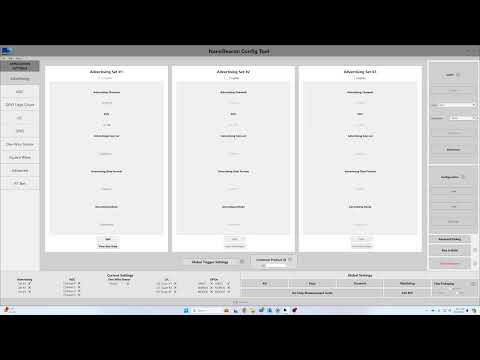
Use the intuitive GUI to set advertising intervals, payload data, sensor interfaces, power modes, and security options. Flash with one click.
What You Can Configure
Video Tutorials Library
Step-by-step video guides covering everything from unboxing to advanced sensor integration — 20+ episodes on the InPlay YouTube channel.